
Onboarding (macOS App)
This doc describes the current first‑run onboarding flow. The goal is a smooth “day 0” experience: pick where the Gateway runs, connect auth, run the wizard, and let the agent bootstrap itself. For a general overview of onboarding paths, see Onboarding Overview.1
Approve macOS warning
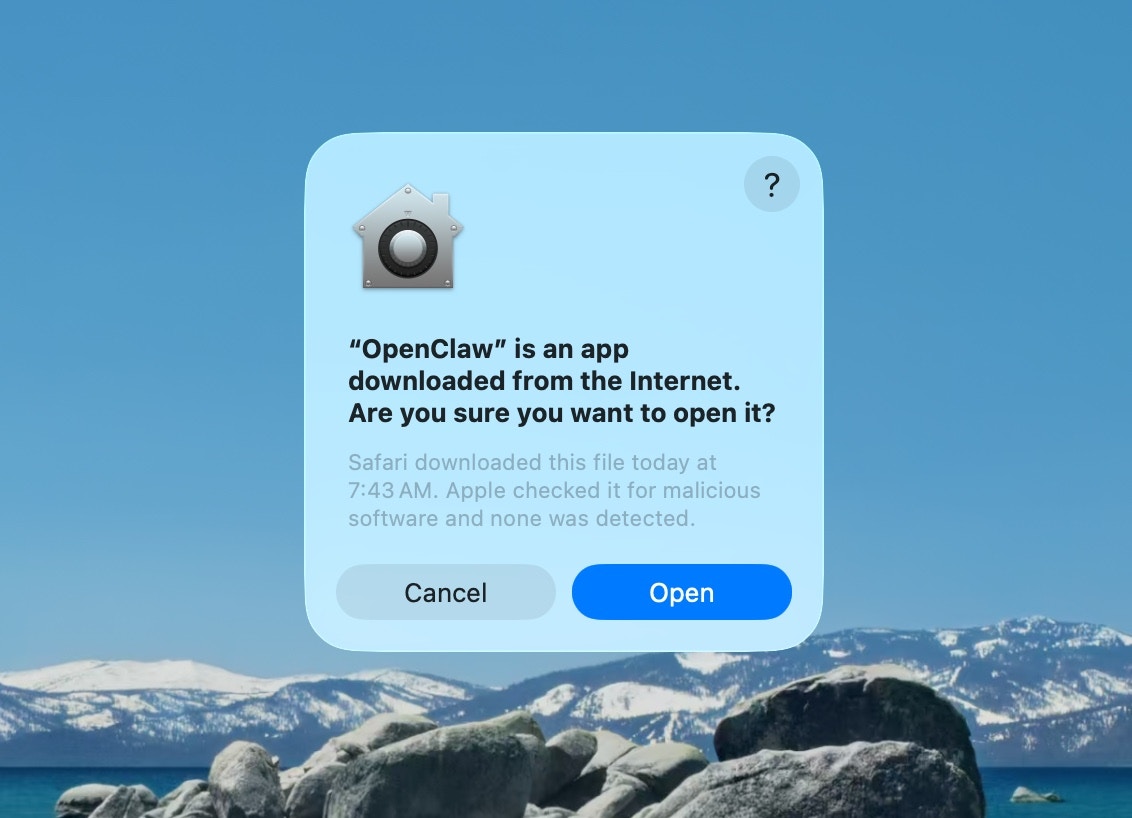
2
Approve find local networks
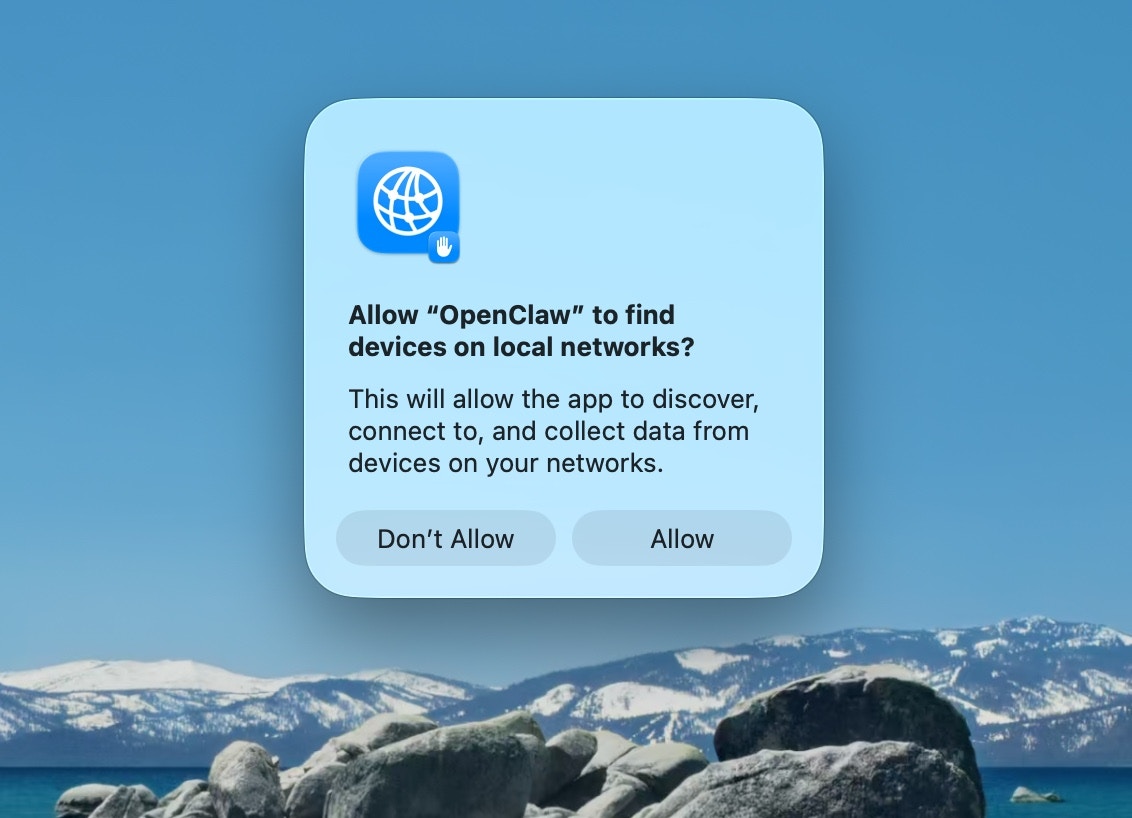
3
Welcome and security notice
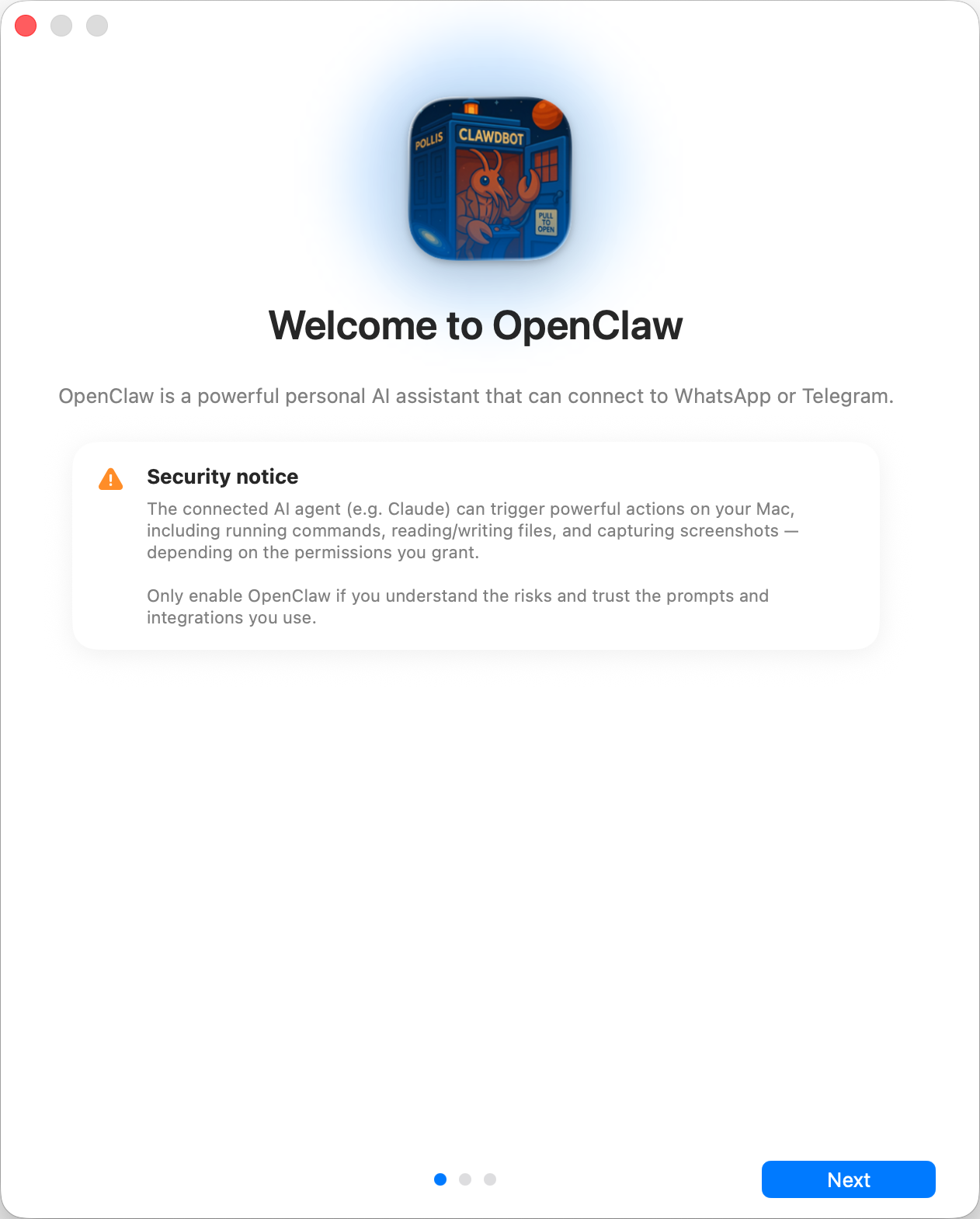
Read the security notice displayed and decide accordingly
- By default, OpenClaw is a personal agent: one trusted operator boundary.
- Shared/multi-user setups require lock-down (split trust boundaries, keep tool access minimal, and follow Security).
- Local onboarding now defaults new configs to
tools.profile: "messaging"so broad runtime/filesystem tools are opt-in. - If hooks/webhooks or other untrusted content feeds are enabled, use a strong modern model tier and keep strict tool policy/sandboxing.
4
Local vs Remote
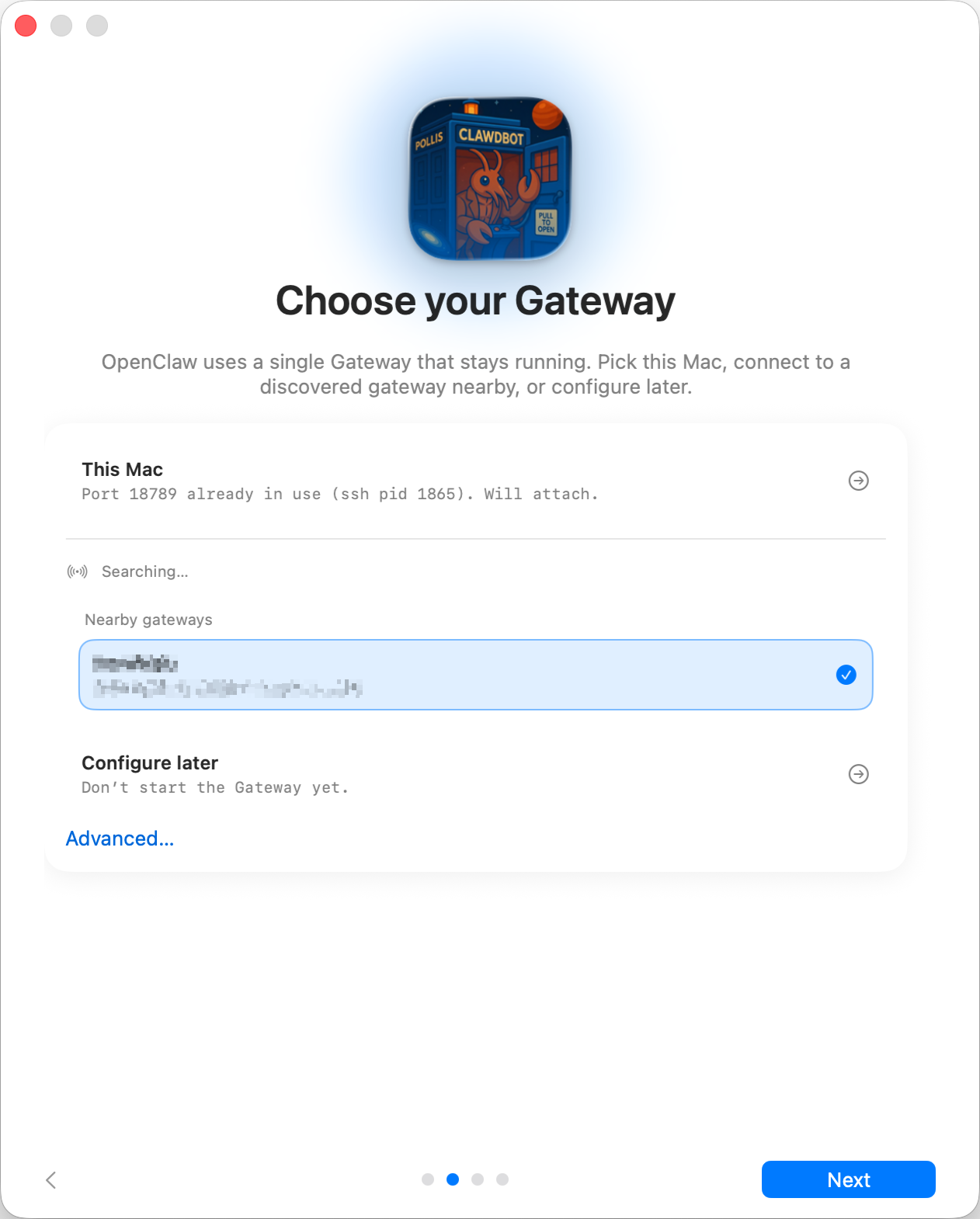
- This Mac (Local only): onboarding can configure auth and write credentials locally.
- Remote (over SSH/Tailnet): onboarding does not configure local auth; credentials must exist on the gateway host.
- Configure later: skip setup and leave the app unconfigured.
5
Permissions
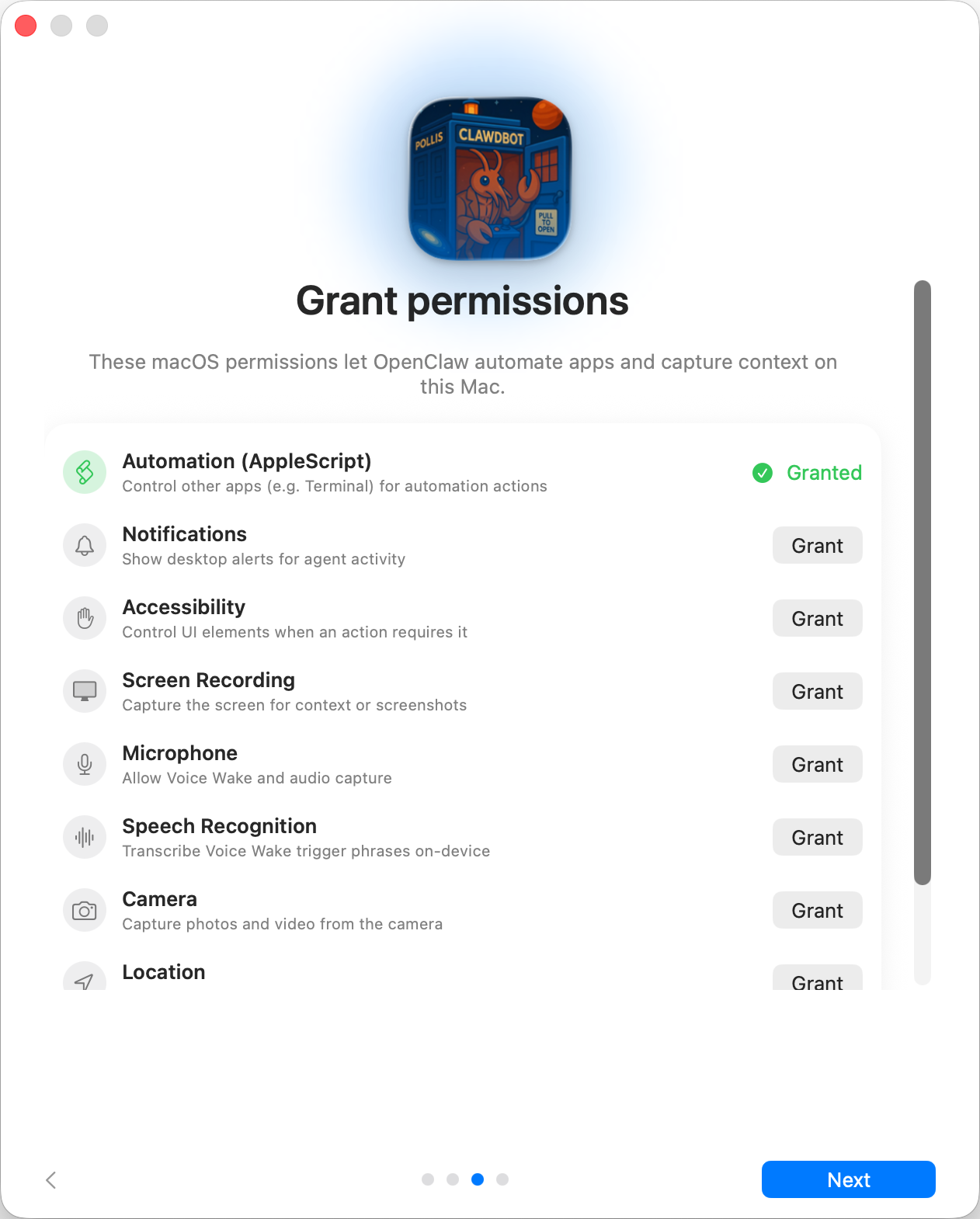
Choose what permissions do you want to give OpenClaw
- Automation (AppleScript)
- Notifications
- Accessibility
- Screen Recording
- Microphone
- Speech Recognition
- Camera
- Location
6
CLI
This step is optional
openclaw CLI via npm/pnpm so terminal
workflows and launchd tasks work out of the box.7
Onboarding Chat (dedicated session)
After setup, the app opens a dedicated onboarding chat session so the agent can
introduce itself and guide next steps. This keeps first‑run guidance separate
from your normal conversation. See Bootstrapping for
what happens on the gateway host during the first agent run.